
Find Your Cursor — Faster
SnapCursor automatically centers your cursor on the next screen. No more hunting. Whether it’s one screen or multiple screens, you’ll know exactly where your pointer will be.

SnapCursor automatically centers your cursor on the next screen. No more hunting. Whether it’s one screen or multiple screens, you’ll know exactly where your pointer will be.
You have a window on screen 2.
Now, you need to find your mouse.
Look on screen one. Find it?
Nope.
Do the “mouse shake.” Found it.
Now move it to where you actually needed it.
Just double-tap the control key and know exactly where your cursor should be — where you need it. Dead center of screen 2.
Shaking your mouse doesn’t move it. Just tells you where you don’t need it.
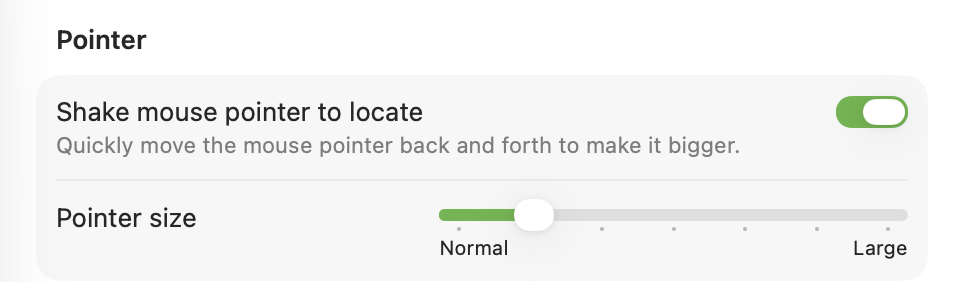
Hit the shortcut and your cursor instantly appears in the exact center of the next display.
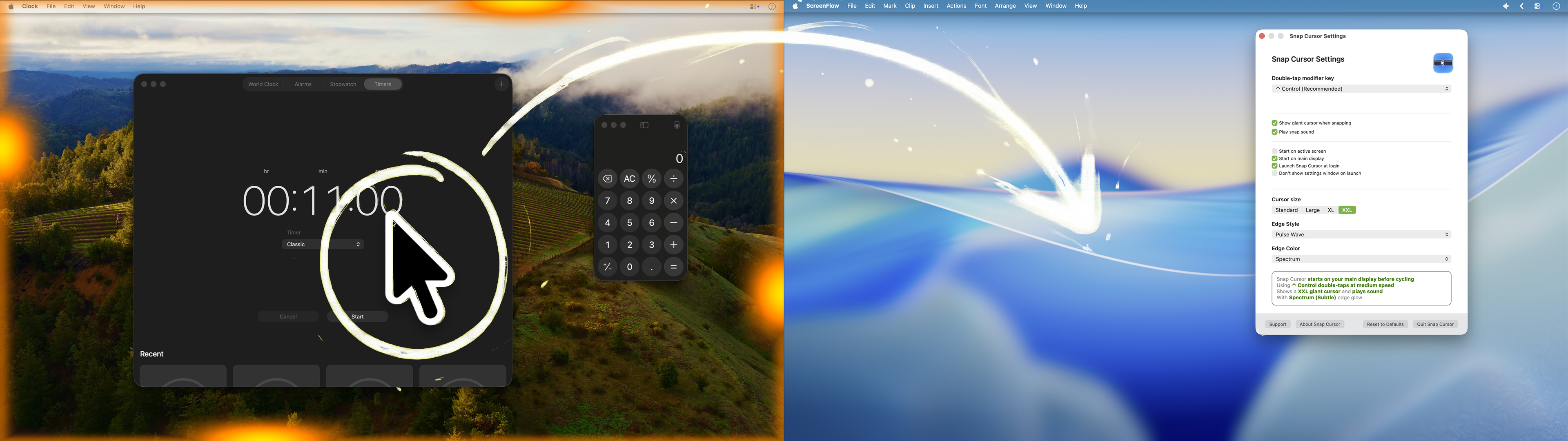
Options built by power users
Useful even on a single screen.
Less scanning.
More productivity.
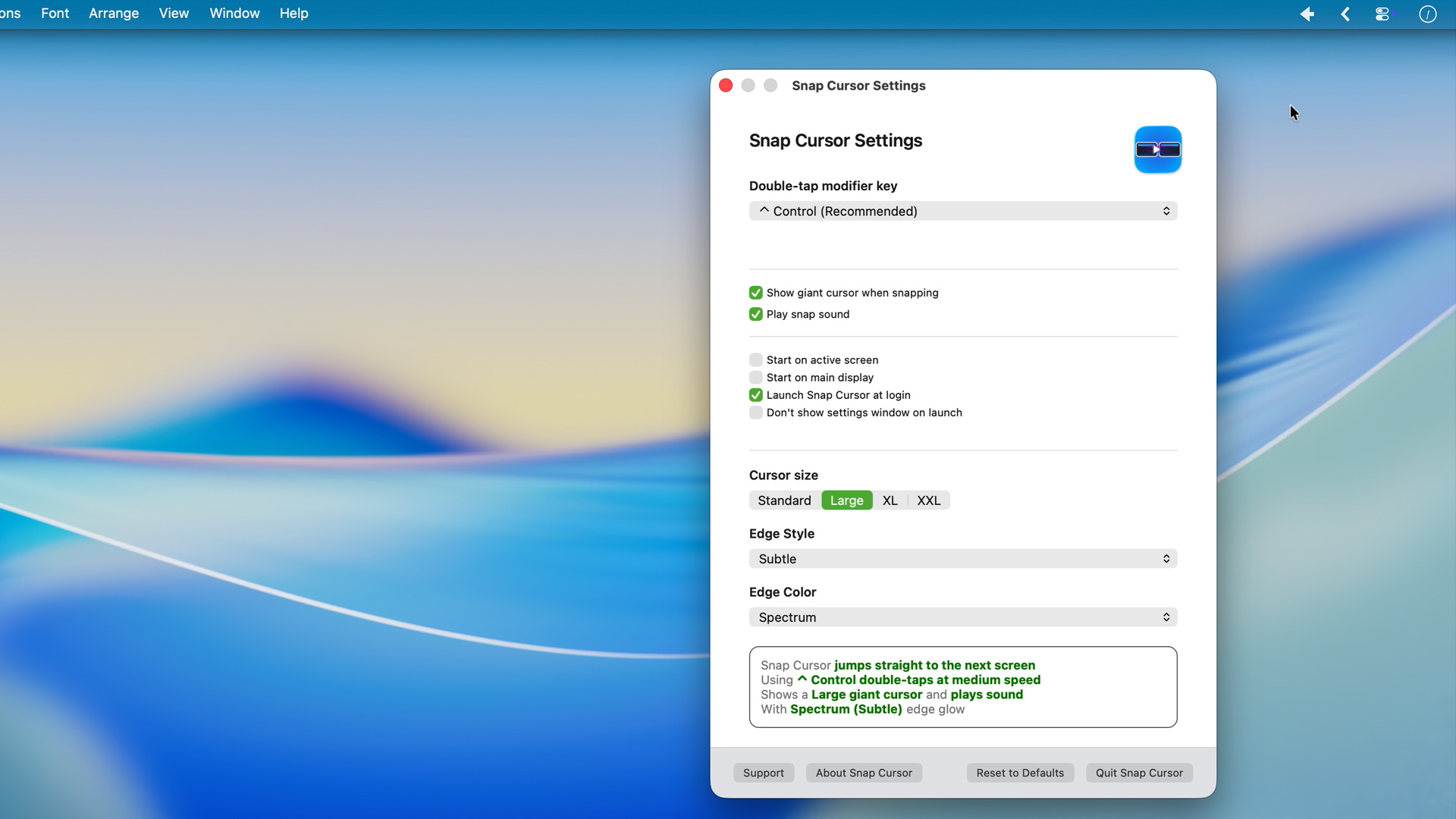
Available on the Mac App Store. Takes two seconds to set up. You'll wonder how you worked without it.
No subscription required
SnapCursor collects nothing. Zero. Zilch.
No analytics. No telemetry. No network calls. The app has no reason to talk to the internet…so it doesn't. Your cursor position is between you and your Mac.